Important info:
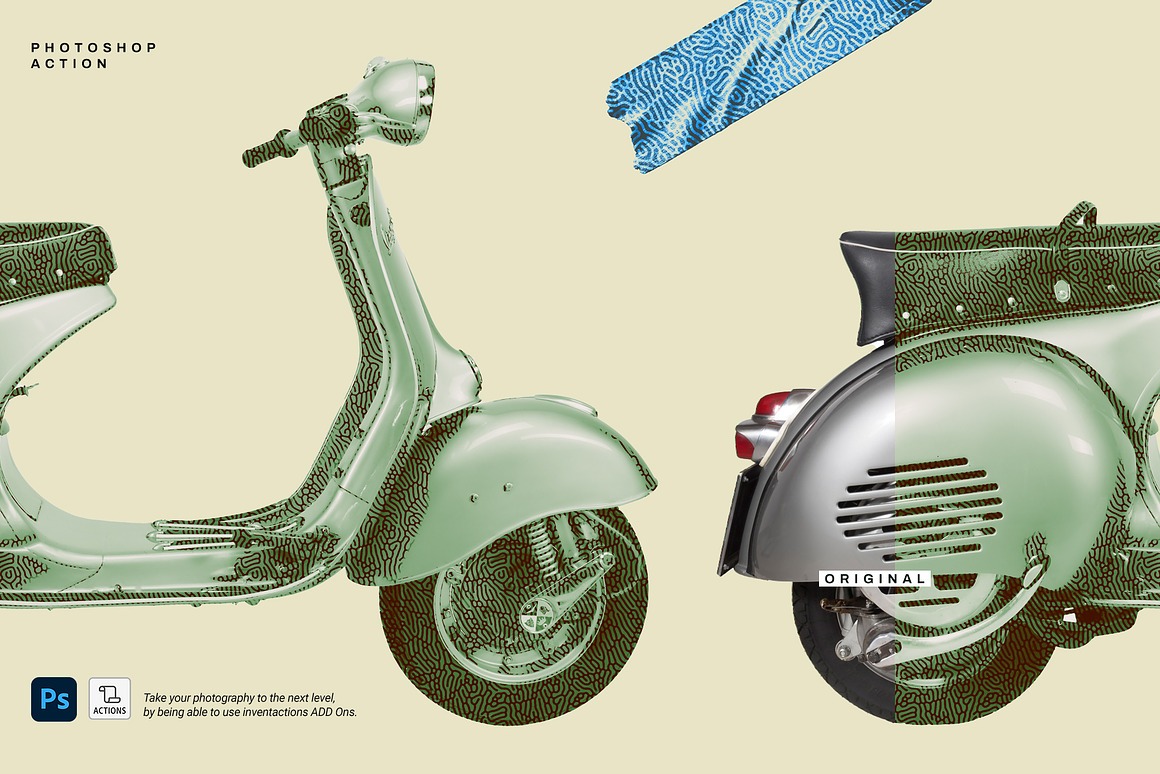
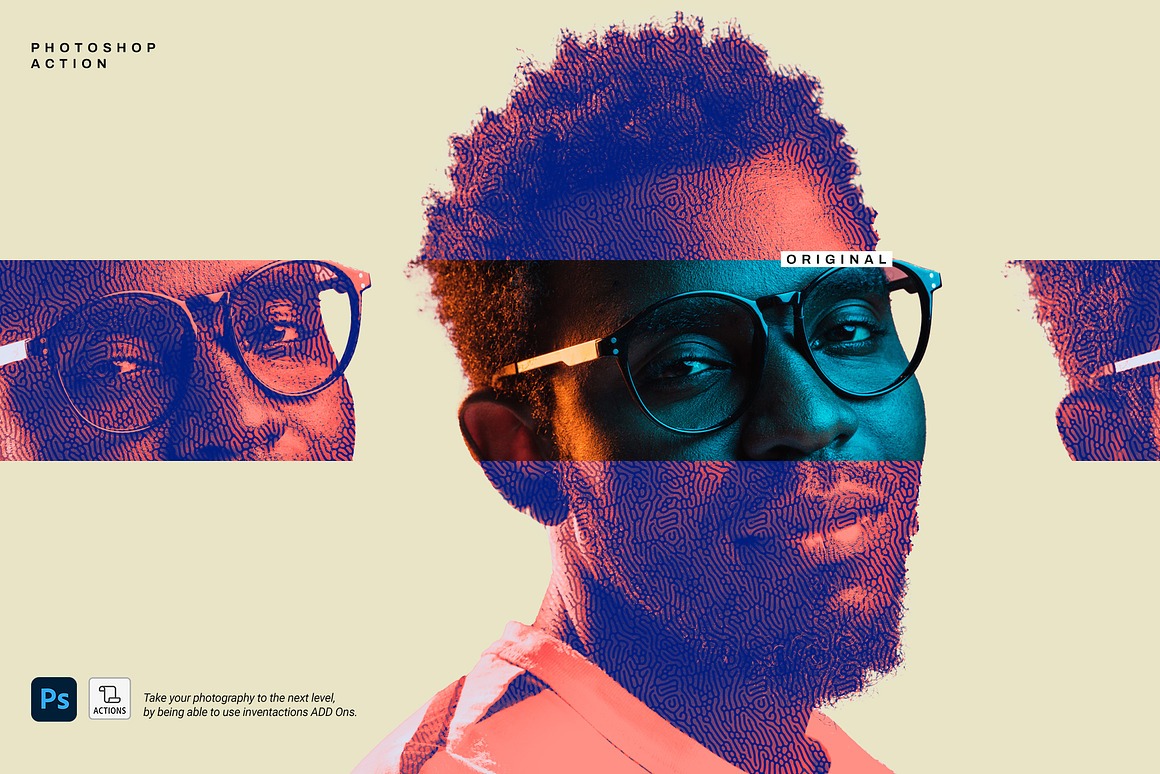
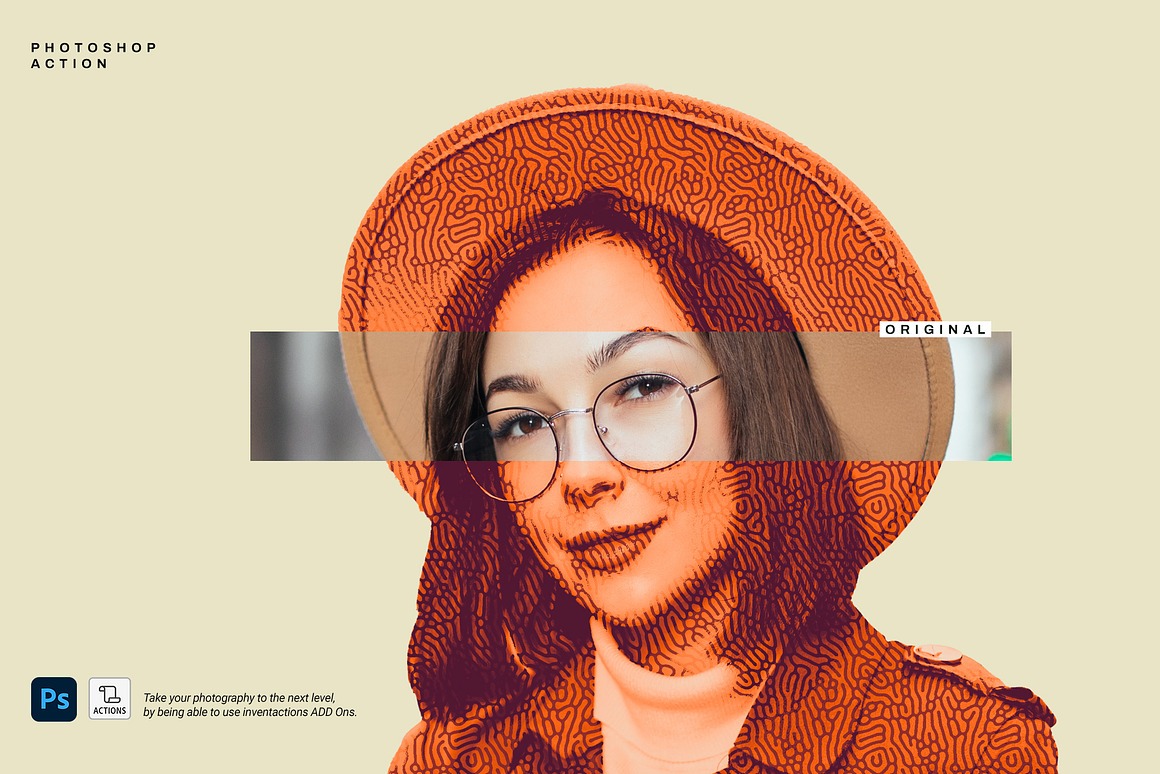
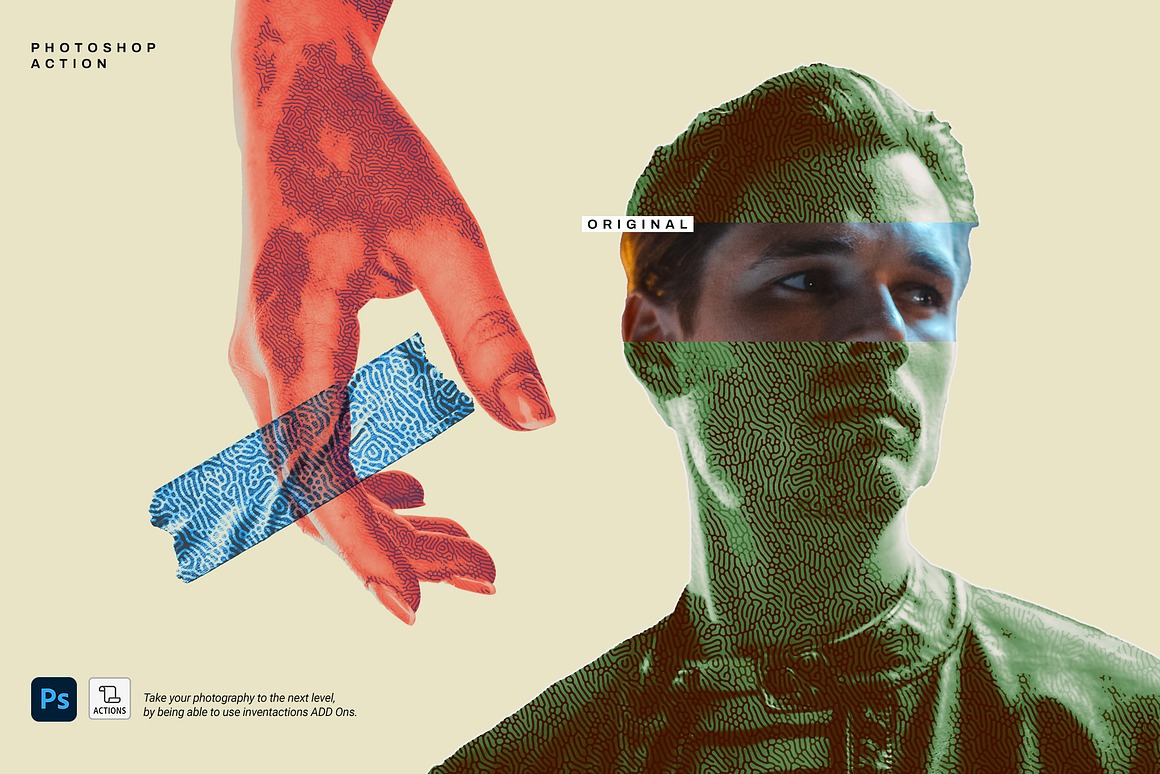
This action will take your artwork and convert it into an engraved or haltone style image! Open the file in Photoshop, load the patterns, brushes and actions, select the effect and press the Play button in sequence!
Deal Expired
With Modern Halftone Photoshop Action from DuoFankaar you will get cool halftone & artistic style effect action for Adobe Photoshop!
With this deal you get:
- Halftone & artistic style effect action for Adobe Photoshop!
- Extended commercial license!
Take a look at what you can get:
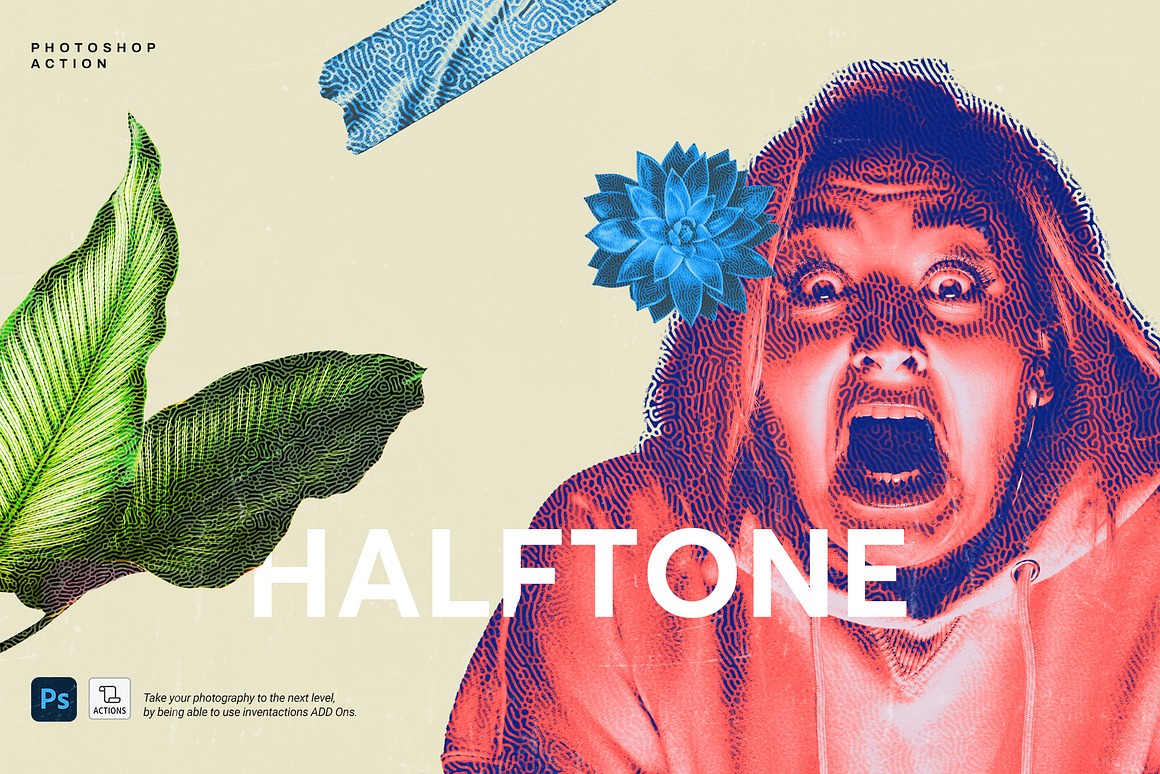
Halftone & artistic style effect action for Adobe Photoshop!
- Your photo must be in RGB color mode
- Your photo must be in 8-bit mode
- You must be using the English version of Photoshop
- If you encounter any errors, try resetting Photoshop preferences. To do this, hold down Alt + Ctrl + Shift (Windows) or Cmd + Option + Shift (Mac) while starting Photoshop. A dialog will appear asking permission to delete preferences/settings — confirm to proceed.
- Avoid low-resolution images. For best results, use images between 2000px – 5000px (minimum: 72dpi). Images under 1000px may cause the action to fail.
- Use images with good color variation and contrast for optimal effects.
General Video Tutorial:
HOW TO LOAD THE PATTERN
1st option
- In Photoshop, go to Window Patterns
- In the Patterns panel, click the menu icon in the top right
- Select Import Patterns… and choose the downloaded .pat file
- The pattern will now appear in your panel
2nd option
- Simply drag and drop the .pat file into Photoshop
HOW TO LOAD THE BRUSH
1st option
- Go to Window Brushes
- In the Brushes panel, click the menu icon
- Choose Import Brushes…, then select the .abr file
- Brushes will now appear in the panel
2nd option
- Drag and drop the .abr file into Photoshop
HOW TO INSTALL THE ACTION
1st option
- Go to Window Actions
- In the Actions panel, click the menu icon
- Choose Load Actions… and select the .atn file
- The action will appear and be ready to use
2nd option
- Just drag and drop the .atn file into Photoshop
HOW TO USE THE ACTION
- Open your image in Photoshop
- Make sure the image layer is selected
- Click the Play button at the bottom of the Actions panel
- Wait while the action runs — it may take a few moments
- Your effect is now applied!
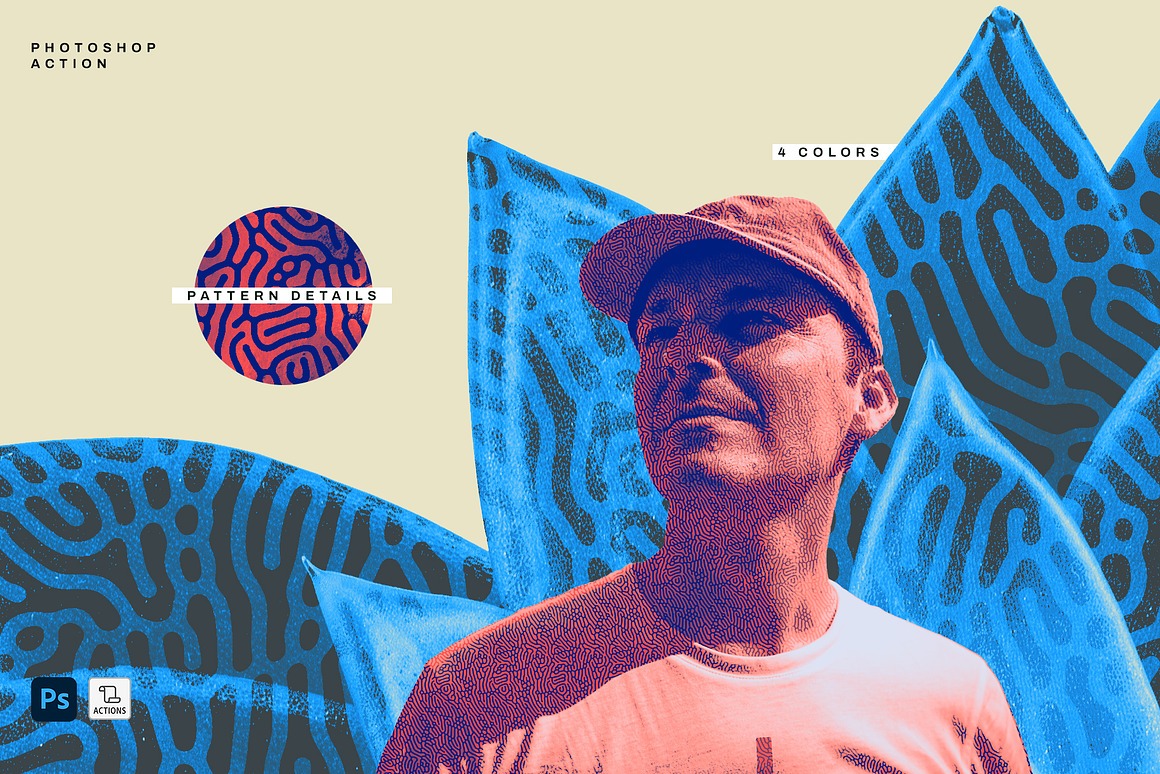
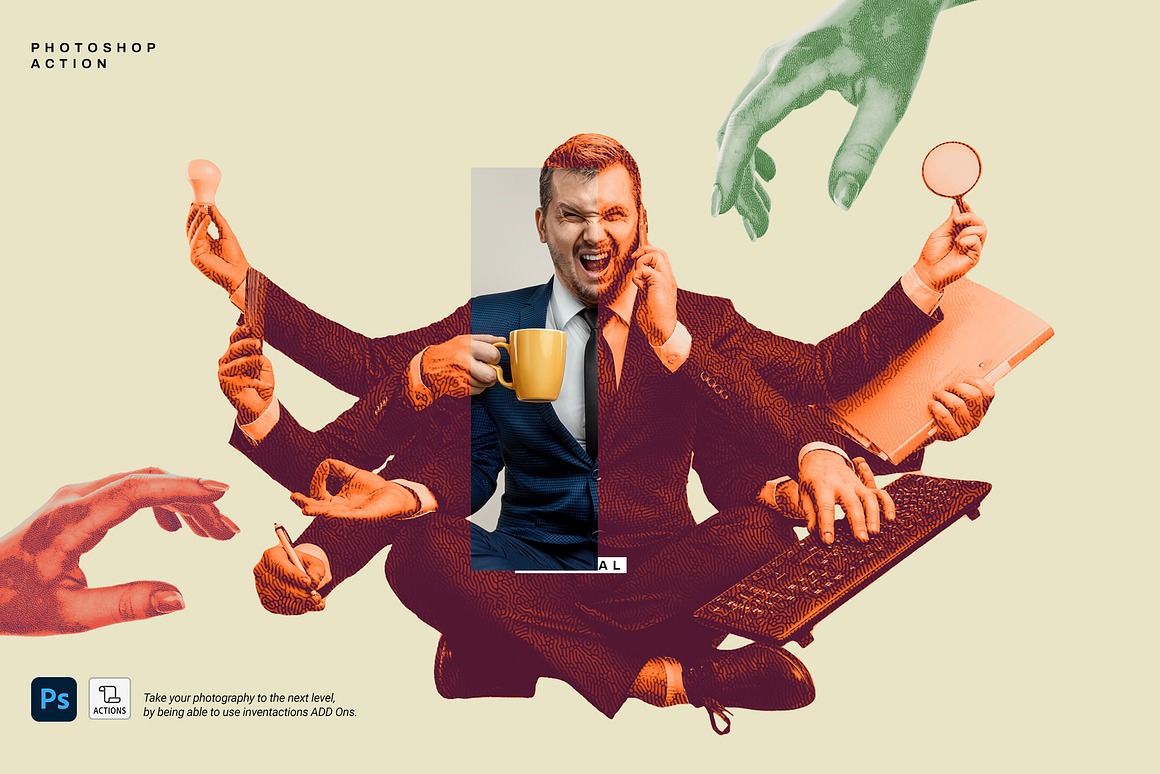
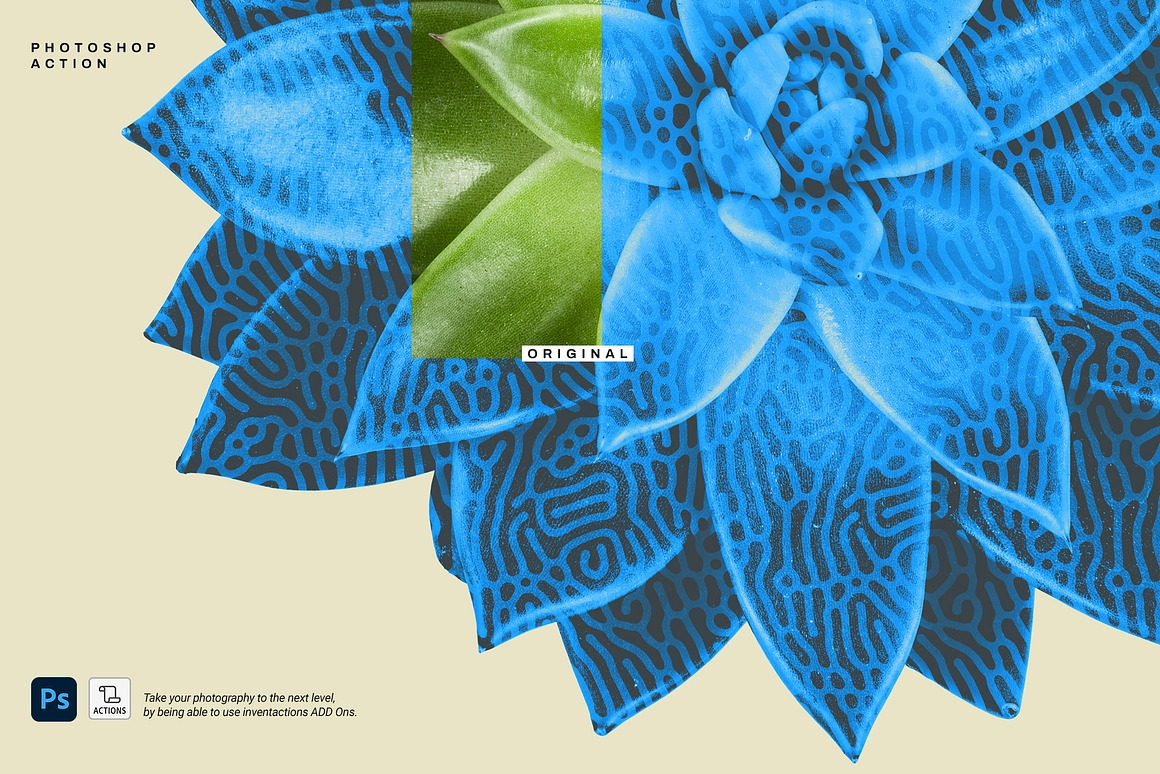

This bundle highlights:
- Halftone & artistic style effect action for Adobe Photoshop!
- extended commercial license (like all of our deals): use for unlimited personal and commercial projects + you can also use them in designs/products that you sell. You can use all these items as a part of your non-digital or digital designs ( posters, t-shirt designs, stickers, web templates…). You cannot resell these files directly, or within items/goods where they can be extracted in their original form (like vector shapes, elements, fonts… – they need to be flatten into background or object in your digital item for sale). License is only for 1 person – you’ll need to buy 2 licenses if 2 persons will work with these graphics. Please read more about our exclusive license!
Pricing:
Normally, this creative photo effect would cost you $76 (with extended license already in bundle), but for a limited time only, you can get these unique Photoshop effect action for $8!
Deal Terms:
- Delivered as an instant download, after completing your purchase.
- All image results from these effects can be used for both personal and commercial purposes, for yourself or on behalf of a client, on their own, or as part of your new design for sale.
- Cannot be sublicensed, resold, shared, transferred, or otherwise redistributed on its own.
- You cannot share these resources with others. This is a single user license (for 1 user on any number of devices)! You’ll need second license for your colleague computer!